
Camera settings for corporate events are not something you set once and forget. A corporate event moves through different environments, lighting conditions, and moments throughout the day. The keynote presentation in a dimly lit conference hall demands completely different settings than the outdoor networking session on the hotel terrace or the award ceremony under colored stage lights.
This guide covers the specific camera settings that professional corporate event photographers use in real world conditions. These are the settings the team at Nijol Creative relies on after 15 years of covering events across Bangladesh, from intimate boardroom sessions in Dhaka to multi day conferences with thousands of attendees.
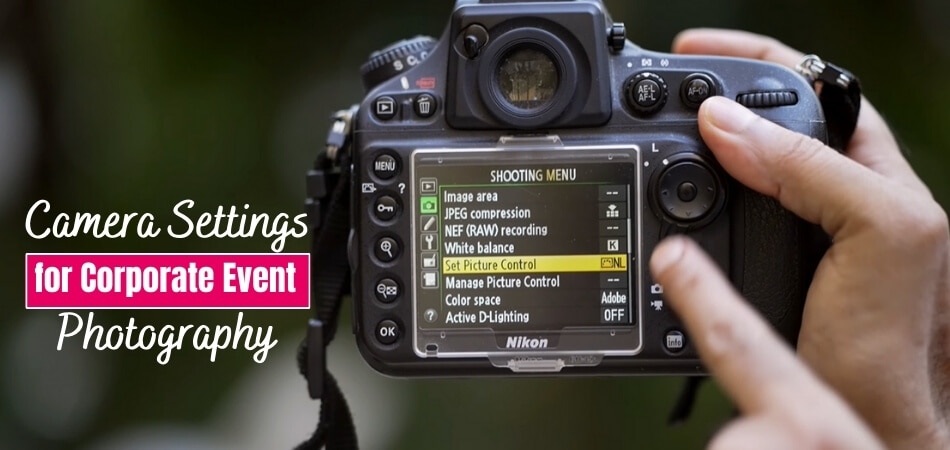
Shooting Mode: Manual or Semi Manual
Auto mode is not suitable for corporate events. Camera auto exposure systems are designed for average lighting conditions, and corporate events are full of non average situations. A speaker lit by a spotlight against a dark stage will be overexposed in auto mode because the camera tries to brighten the overall dark scene. A group photo in front of a bright window will turn everyone into silhouettes.
Manual mode gives you complete control over exposure. Use it when lighting is consistent within a scene, such as a conference room with stable overhead lights or a controlled portrait setup.
Aperture priority mode (A or Av) works well for dynamic event coverage where you are moving between spaces. Set your aperture for the depth of field you want, and let the camera adjust shutter speed automatically. Keep an eye on the shutter speed to ensure it does not drop below your minimum for sharp handheld shots.
Shutter priority mode (S or Tv) is useful for specific situations: fast moving award presentations, dancers at a gala, or any moment where freezing motion is the priority.
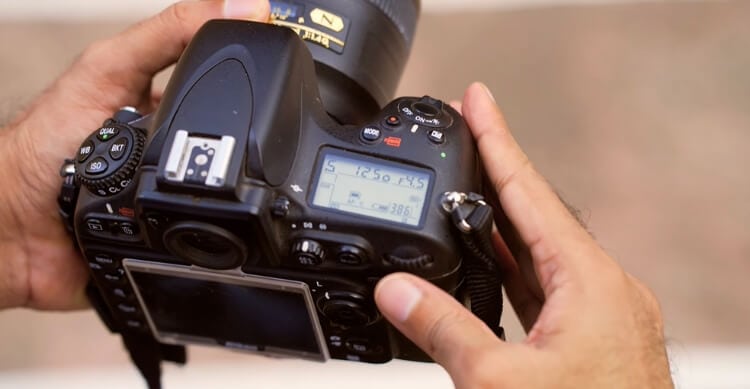
ISO Settings: Balancing Light and Noise
Most corporate events happen indoors with less than ideal lighting. ISO is your primary tool for adapting to these conditions.
General Guidelines
- Well lit conference rooms with large windows: ISO 200 to 400
- Standard indoor venues with overhead fluorescent or LED lighting: ISO 800 to 1600
- Dim conference halls and stage presentations: ISO 1600 to 3200
- Award ceremonies and gala dinners with atmospheric lighting: ISO 3200 to 6400
Modern professional cameras handle high ISO remarkably well. A Canon R6, Nikon Z6, or Sony A7 series produces clean, usable images up to ISO 6400 and beyond. Do not be afraid to push ISO higher than you would in a studio. A sharp photo at ISO 6400 is infinitely more useful than a blurry one at ISO 400 because the shutter speed was too slow.
Auto ISO with a defined ceiling is a practical approach for fast moving event coverage. Set your maximum ISO to whatever your camera handles well (typically ISO 6400 to 12800) and let the camera adjust within that range while you control aperture and minimum shutter speed.

Aperture: Depth of Field for Different Moments
Aperture controls how much of the scene is in focus, and the right setting changes throughout the event.
Portraits and Individual Speakers
Use f/2.8 to f/4. A wide aperture isolates the subject from the background, creates that professional look with smooth background blur, and allows more light to reach the sensor. For executive headshots during the event, f/2.8 is ideal.
Small Groups and Panel Discussions
Use f/4 to f/5.6. You need enough depth of field to keep all panelists in focus. At f/2.8, the person on the far left of a panel might be soft while the person in the center is sharp. Stopping down to f/5.6 keeps the entire row in focus.
Large Group Photos
Use f/5.6 to f/8. Large groups have depth. People in the front row and back row need to be equally sharp. f/8 provides sufficient depth of field for groups of 20 to 50 people arranged in multiple rows, provided you have adequate light.
Venue and Environmental Shots
Use f/5.6 to f/8 for wide establishing shots where you want the entire venue in focus. These shots are important for showing the scale and atmosphere of the event.
Shutter Speed: Freezing the Action
Corporate events are not sports, but they involve more movement than people realize. Speakers gesture. Attendees walk. Award recipients shake hands. Applause happens fast.
Minimum Shutter Speeds
- Static subjects (speakers at a podium, seated panels): 1/125 second
- Light movement (walking, gesturing, handshakes): 1/250 second
- Active moments (applause, standing ovations, award presentations): 1/500 second
- Your own movement (handheld while walking through the venue): match your focal length or faster. With a 70mm lens, shoot at 1/100 or faster.
Image stabilization in modern lenses and camera bodies allows slower shutter speeds for static subjects, sometimes down to 1/30 or 1/60. But for event work where both you and your subjects may be moving, keep your shutter speed at 1/125 or above as a baseline.
White Balance: Getting Colors Right
Mixed lighting is the most common challenge at corporate events in Bangladesh. A conference hall might have warm tungsten downlights, cool fluorescent overheads, and daylight from windows, all in the same room. Stage lighting adds colored gels and spotlights.
If you are shooting RAW (and you should be), white balance can be adjusted precisely in post production. Set your camera to auto white balance (AWB) for general coverage and correct any inconsistencies during editing. This is faster than manually adjusting white balance for every lighting change during the event.
For critical moments like executive portraits or product shots where color accuracy matters immediately, take a custom white balance reading using a gray card. This gives you a reference point for the specific lighting in that area.
Avoid tungsten or fluorescent presets unless you are shooting exclusively under those light sources. Preset white balance in mixed lighting often creates more problems than it solves.
Focus Settings: Speed and Accuracy
Missed focus means a missed moment. Your autofocus settings should be configured for reliability, not perfection.
- Use continuous autofocus (AF-C or AI Servo) for event coverage. Single shot focus (AF-S) is too slow for moving subjects.
- Set your focus area to a zone or group of points rather than a single point. This gives you margin for slight reframing while keeping the subject sharp.
- Enable eye detection autofocus if your camera supports it. Modern mirrorless cameras track eyes with remarkable accuracy, even in challenging lighting.
- For stage photography from the back of the room, switch to single point focus targeted on the speaker. Zone focus may be confused by microphone stands, lecterns, or projection screens.
- Back button focus separates focus from the shutter release, allowing you to lock focus and recompose without the camera refocusing when you press the shutter.
Flash Settings for Corporate Events
Flash use at corporate events requires judgment. The wrong flash technique can be more disruptive than no flash at all.
- Never use direct on camera flash for stage photography. It distracts speakers, annoys audiences, and produces flat, unflattering light.
- Bounce flash works well in smaller rooms with light colored ceilings. Angle the flash head at 45 to 60 degrees behind you toward the ceiling for soft, natural looking fill light.
- For group photos and networking moments, bounce flash or an off camera speedlight is appropriate. Set flash exposure compensation to minus 1 to minus 1.5 stops for a natural fill rather than a harsh flash look.
- During keynote presentations and formal ceremonies, disable flash entirely and rely on available light. Push ISO higher if needed.
- If you must use flash in a formal setting, use a diffuser and reduce power to the minimum needed. The goal is invisible flash: light that fills without being noticed.
File Format and Memory Card Setup
Shoot in RAW exclusively. JPEG compresses the image and discards data you need for correcting white balance, recovering highlights, and adjusting exposure in post production. The storage cost of RAW files is negligible compared to the flexibility they provide.
If your camera supports dual card slots, configure them for redundant recording. Write the same image to both cards simultaneously. A memory card failure during a corporate event is catastrophic if there is no backup. This is a single point of failure that is easy and inexpensive to eliminate.
Format your memory cards in the camera before each event. Do not just delete files. Formatting ensures a clean file structure and reduces the risk of card errors during the shoot.
Frequently Asked Questions
Q: What is the single most important camera setting for corporate events?
A: ISO flexibility. The ability to shoot clean images at high ISO values determines whether you can capture moments in dim conference halls, atmospheric gala lighting, and transitional spaces without flash. A camera that produces usable images at ISO 6400 is more valuable for event work than one with higher resolution but poor high ISO performance.
Q: Should I shoot in JPEG or RAW for corporate events?
A: Always RAW. Corporate events feature mixed lighting, rapid transitions, and unpredictable exposure situations. RAW files give you the post production latitude to correct white balance, recover blown highlights, and adjust exposure without losing image quality. The additional file size is a minor inconvenience compared to the editing flexibility.
Q: What lens is best for corporate event photography?
A: A 24 to 70mm f/2.8 zoom is the primary workhorse. It covers wide venue shots, group photos, and individual portraits in a single lens. Pair it with a 70 to 200mm f/2.8 for stage photography and candid shots from a distance. These two lenses cover 90 percent of corporate event photography needs.
Q: How do I handle colored stage lighting in my camera settings?
A: Do not fight it. Colored stage lighting is intentional. Shoot in RAW, set white balance to auto, and preserve the atmosphere of the lighting design. Attempting to neutralize colored lighting in camera produces unnatural results. Minor corrections in post production maintain the mood while ensuring skin tones remain acceptable.